Built for how you actually work
no dashboard. no browser tab. just a hotkey and a result.
 WhatsApp
 Slack
Slack Notion
 Figma
Figma Mail
Mail NotesWhatsAppSlackNotionFigmaMailNotesWhatsAppSlackNotionFigmaMailNotesWhatsAppSlackNotionFigmaMailNotes
 Discord
 Telegram
 Linear
 GitHub
 MessagesDiscordTelegramLinearGitHubMessagesDiscordTelegramLinearGitHubMessagesDiscordTelegramLinearGitHubMessages
Context-Aware
pastely knows which app you're in and what field you're pasting into, so the output actually fits.
⌘⇧V
One Hotkey
cmd+V pastes what you copied. pastely pastes what you meant. that's the whole app.
 pasting into Messages
hey! can we push the call to tomorrow? something came up this afternoon and i don't want to feel rushed. totally fine if not though, just lmk
Paste What You Meant
hit return to paste. esc to cancel. your clipboard stays untouched until you commit.
Built for where you paste.
real workflows, start to finish. more coming soon.
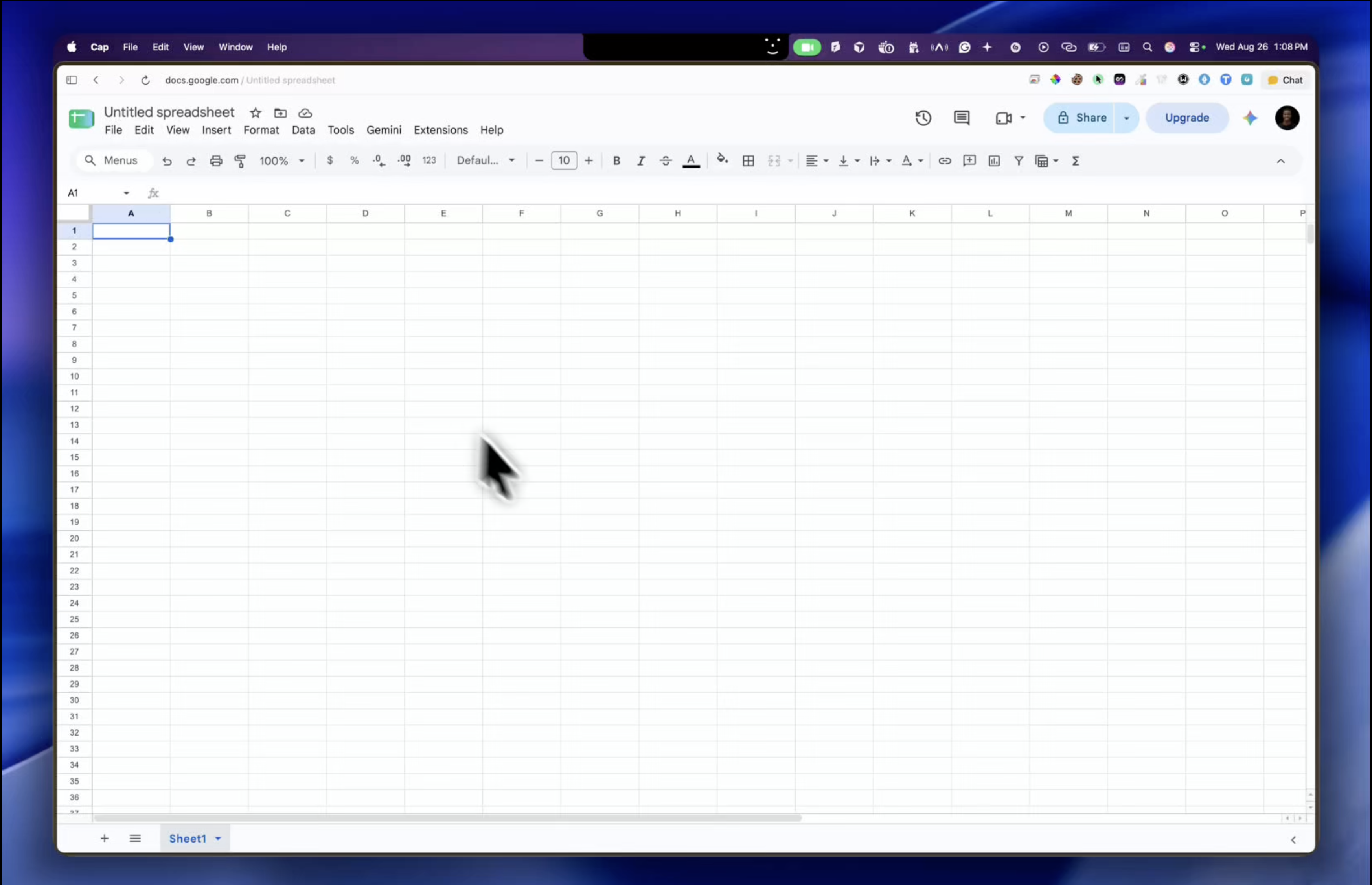
 Google Sheets · macOS
Messy data in, clean columns out.
copy a messy table, CSV, JSON, or a SQL export from anywhere. paste it into Google Sheets and pastely instantly turns it into neat, labelled columns. no fixing rows or headers by hand.

 Chat apps · macOS
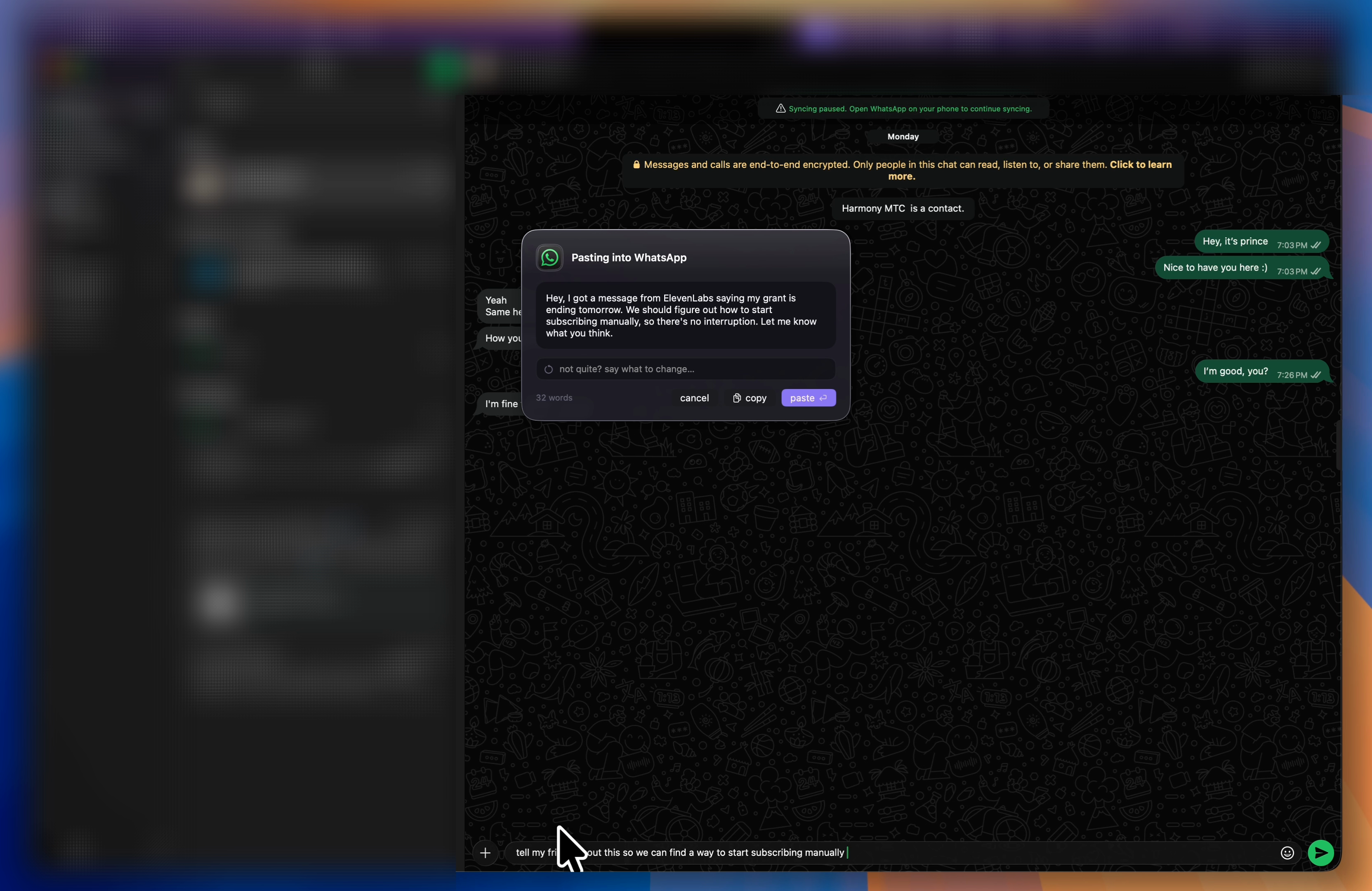
Anything in, a message you'd send out.
copy an email, a thread, a doc — anything. paste into whatsapp, imessage, or slack and pastely rewrites it as a message in your voice, at the length a person would read. and the chat box itself is the prompt: type “tell my friend about this” before you paste, and that's what it writes.

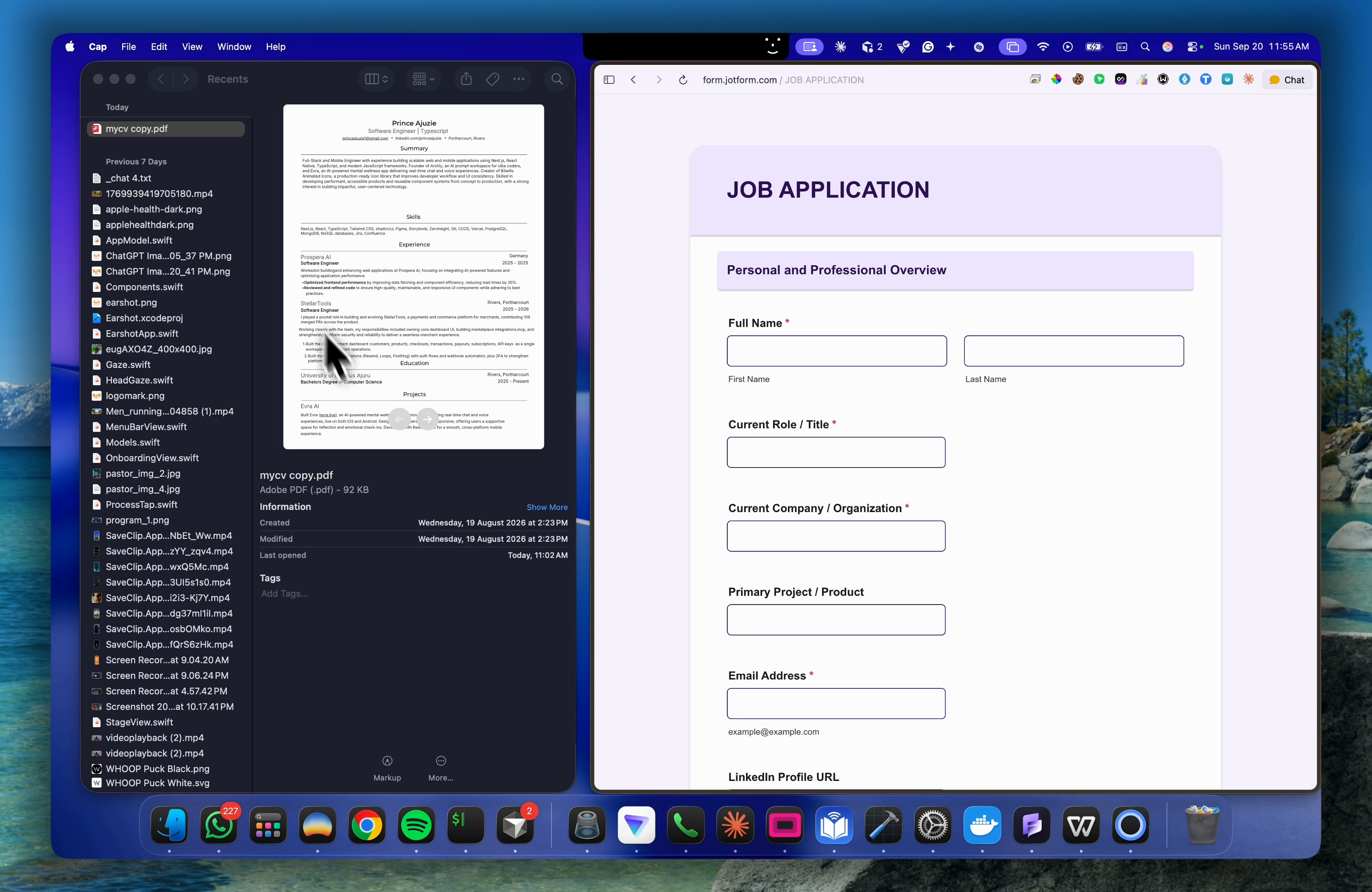
 Online forms · macOS
Your CV in, the whole form out.
copy your cv, a spreadsheet row, or your own details from anywhere. paste into a job application, a signup, or a checkout and pastely fills every box at once — the right answer in the right field. no tabbing through thirty questions.


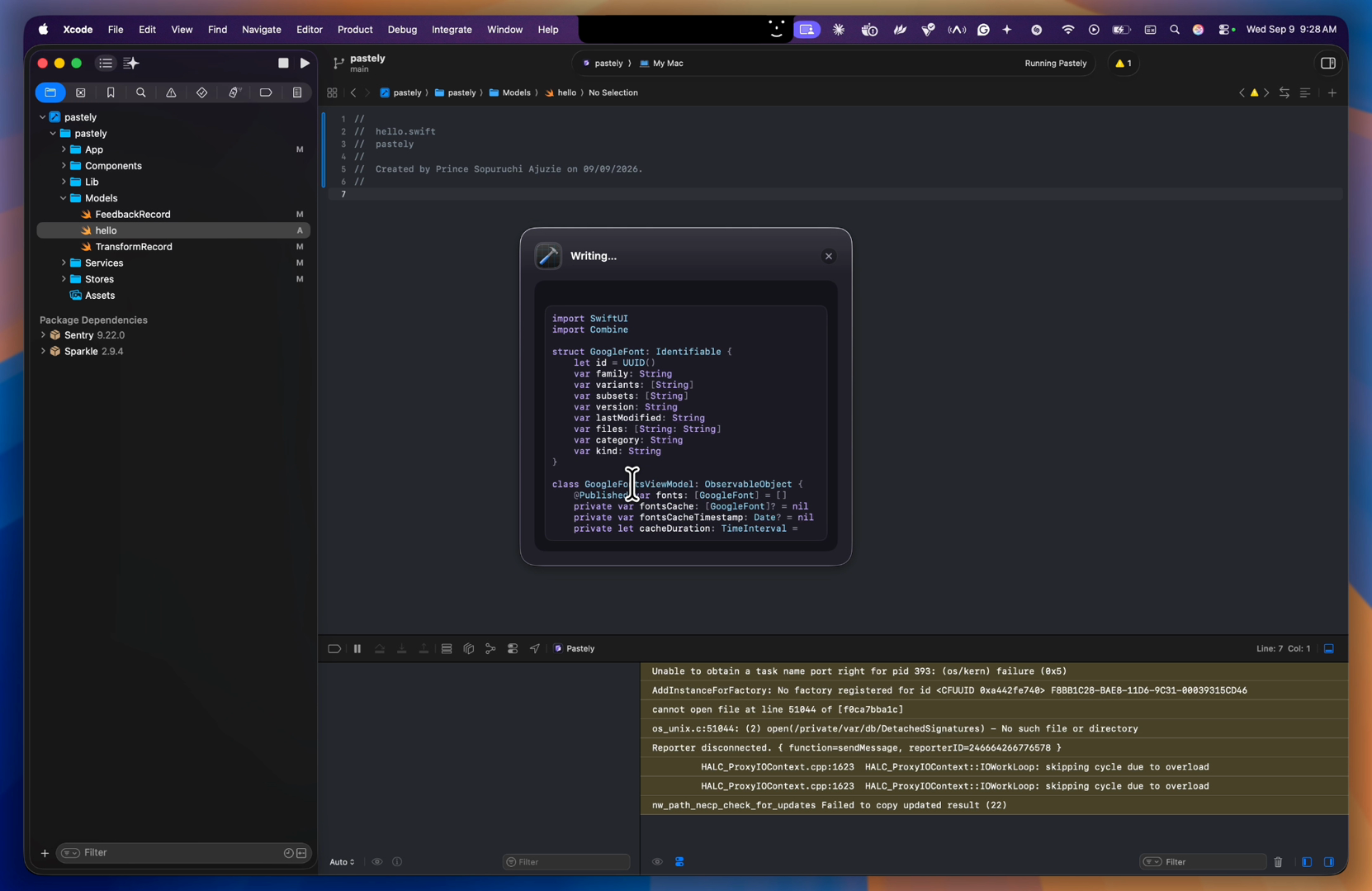
 Code editors · macOS
Any language in, the right language out.
copy python, typescript, a snippet, or a screenshot of a UI. paste into cursor, vscode, xcode, or whatever you're writing in, and pastely rewrites it to match the file. no translating by hand.
Type what you meant. Right where you paste.
type what you want in the field you're pasting into, then press ⌘⇧V. pastely reads your note with the clipboard and follows it. no extra UI, no prompt box.
pasting into WhatsApp
summarise this and make it funny
on clipboard
just got my coffee lol $6.50 for oat milk felt like robbery ngl
result
ok so i paid $6.50 for a coffee and the oat milk tax really said "broke". never again
One hotkey. Total context.
copy once and paste exactly what that moment needs.
Copy Anything
text, screenshots, receipts, harsh drafts. whatever lands on your clipboard, pastely handles it.
⌘⇧H
Search Everything
cmd+shift+H opens every transform you've made. type to find one, hit return, and it pastes. no re-running it.
Transform History
every transform is saved. hit cmd+shift+H from anywhere to search them and paste one again, without spending another transform.
Simple pricing
start free. upgrade when you paste all day.
Free
try it out
no credit card needed
- 4 transforms to try it
- text + image routes
- menu bar access
- transform history
Pro
everything, every paste
cancel any time
- 500 transforms per month
- text + image routes
- transform history
- priority models
- history synced across your macs
Pro yearly
the same, for less
$49 billed once a year
- 500 transforms per month
- text + image routes
- transform history
- priority models
- history synced across your macs
Questions, answered
the short version of everything people ask.
a menu bar app for mac. copy anything, press the hotkey, and it pastes the right format for wherever you're pasting — a spreadsheet gets rows, a chat gets a message, an editor gets code. windows is next — join the waitlist and we'll tell you when it lands.
no. it only looks at your clipboard the moment you press the hotkey. normal paste (⌘V / Ctrl+V) is untouched and never goes anywhere near pastely.
all of them — pastely reads the app you're focused on, its window, and the browser tab you're in, then formats for that destination. no per-app setup.
your original copy is never modified, so you can always paste it normally. hit the hotkey again to retry, or just ⌘V and move on.
free gets you 4 transforms to try it, no card needed. pro is $9/mo for 500 transforms a month, priority models, and synced history.
macOS 13+, apple silicon or intel. sign in with google and you're pasting in under a minute. windows is on the way.